
Learn PocketSales in minutes, not days.
Short videos filmed on the real app, one playlist per role: admins on the web dashboard, sales representatives on the phone, and accounts across both. No sign-up needed to watch.
- Videos
- 46
- Playlists, by role
- 3
- Each
- ≈ 1½ min
- Live now
- 44
For admins: run the business from the web dashboard — and your phone
Setting up, then everything you manage from the office: team, beat plans, targets, schemes, stock, reports, dispatch and settings — plus what the admin sees on the phone. Filmed on the real app.
Watch the whole playlist on YouTube → 1:19
1:1901
Register your business
Create your PocketSales account with Google or with an email and password, and land on your dashboard.
 1:34
1:3402
Add your first client
Add a shop with its contact, address and credit limit, so orders can be taken against it and your sales representative is warned before a shop goes over.
 1:30
1:3003
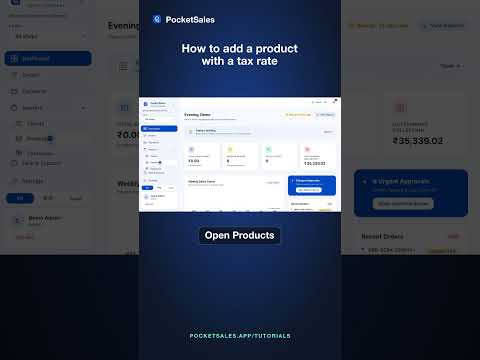
Add a product with a tax rate
Set up a product with its price and tax rate once, so every order line carries the right tax automatically.
 1:39
1:3904
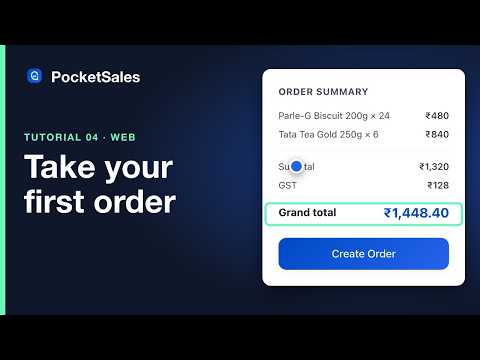
Take your first order
Pick the client, add items at the right price for that shop, watch the total and tax build up, and send the confirmation on WhatsApp.
 1:09
1:0905
Import your clients from Excel
Bring your existing customer list in from any Excel or CSV file, with your own column names, in one go.
 1:19
1:1906
Record a payment
Log a payment by cash, UPI, cheque or bank transfer, allocate it to the right bills, and watch the outstanding update everywhere.
 1:20
1:2007
Invite your team and roles
Add sales representatives, accounts users and staff, and what each role can see and do.
 1:20
1:2008
Beat plans: assign shops to your team
Give each sales representative their shops by day, in route order, and see the day get done.
 1:15
1:1509
Sales targets and the leaderboard
Set monthly targets and let the leaderboard keep score, per representative.
 1:20
1:2010
Schemes and special prices
Buy-X-get-Y schemes and negotiated prices per shop, applied automatically on every order.
 1:25
1:2511
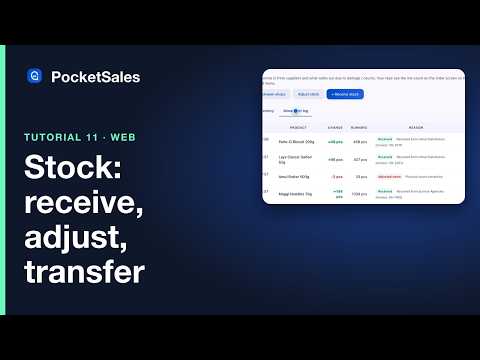
Stock: receive, adjust and transfer
Bring stock in, correct counts, get low-stock alerts, and move stock between shops.
 1:25
1:2512
Reports and CSV export
The dashboard, weekly trend, outstanding and aging reports, and how to export any of it.
 1:15
1:1513
Team map and field tracking
Where your team is right now, kilometres travelled, and the visit history behind every shop.
 1:20
1:2014
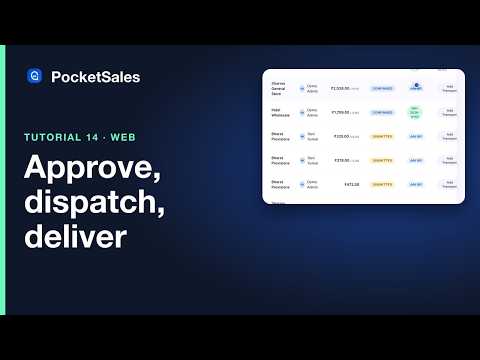
Approve, dispatch and transport
The approval queue, marking orders dispatched, and transport and LR details on each order.
 1:15
1:1515
Shop settings, UPI and backup
Your shop details on invoices, the UPI QR your customers pay to, and exporting a backup of everything.
 1:25
1:2516
Attendance, leaves and holidays for admins
The attendance roster, approving leave, the holiday list and payroll summaries.
 1:00
1:0017
The catalogue and sharing it
Turn your products into a catalogue and share it with a shop on WhatsApp.
 1:00
1:0019
Your phone, as the admin
The admin’s dashboard on the phone: today’s revenue, the live order feed, and the tabs an admin gets.
 1:10
1:1020
Approve orders and track the team from your phone
Approve what your sales representatives booked, see where they are on the team map, and follow the order feed live.
 1:00
1:0021
Attendance and leave approvals on your phone
Who is in today, who is late, and approving leave requests without opening a laptop.
 1:00
1:0022
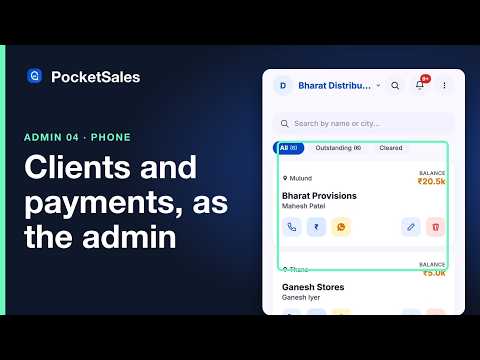
Clients and payments on your phone, as the admin
Every shop and what it owes, recording a payment on the spot, and sending a reminder.
18 · 1:00
Billing and your subscription
Your plan, adding seats, and where to find invoices.
For sales representatives: the app on your phone
What the field team does all day, one screen at a time: sign in, take an order, record a payment, check in on a visit, mark attendance, and keep working with no signal.
Watch the whole playlist on YouTube → 0:59
0:5901
Log in and your dashboard
Sign in, and your whole day is on one screen: today’s summary, the three things you do most, today’s beat and the tabs.
 1:25
1:2502
Take an order on your phone
Pick the shop, add items, and send the WhatsApp confirmation — in about thirty seconds, at the counter.
 1:15
1:1503
Record a payment on your phone
Log the money as it comes in, against the right bills, and see the shop’s outstanding drop at once.
 1:15
1:1504
Check in, visits and My Day
Your beat in route order, check-in and check-out at each shop, and the day’s timeline.
 1:00
1:0005
Attendance and leave
Start and end your day with GPS attendance, and apply for leave from the app.
 1:00
1:0006
Working offline
Take an order with no signal and watch it sync the moment you are back online.
 1:00
1:0007
Clients on your phone
Every shop you serve, what it owes, one-tap call and WhatsApp, and adding a new shop on the spot.
 1:00
1:0008
Your orders: status, repeat and resend
Track each order’s status, repeat last week’s order in a tap, and resend the confirmation.
 0:55
0:5510
Targets and the leaderboard
See how far you are from this month’s target and where you stand on the board.
 1:00
1:0011
Log a visit with a photo and notes
Record an unplanned visit with a photo and what was discussed.
 1:00
1:0012
What each role sees on the phone
The same app signed in as a sales representative, an admin and an accounts user.
09 · 0:55
The catalogue on your phone
Show a shop your products with prices, and share the catalogue on WhatsApp.
For accounts: money in, money owed
Payments, allocations, cheques, outstanding and aging, reminders, returns, exports and Tally — for the person who keeps the books.
Watch the whole playlist on YouTube →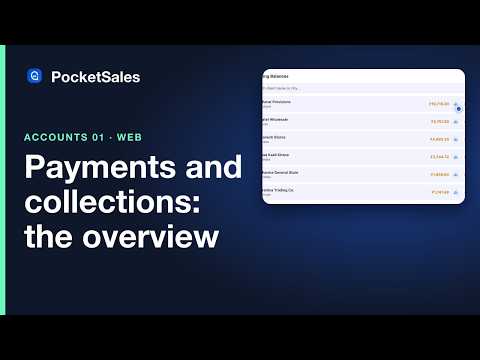 1:15
1:1501
Payments and collections at a glance
Who owes what, collected by mode, and the filters that answer most questions.
 1:20
1:2002
Allocate payments to bills
On Account versus On Bill, partial payments, and the auto-fill that settles oldest bills first.
 1:15
1:1503
Cheques: PDC reminders and bounces
Post-dated cheque reminders, marking a cheque cleared, and what a bounce does to the outstanding.
 1:15
1:1504
Outstanding and aging reports
Aging buckets, shops over their credit limit, and exporting the report.
 1:00
1:0005
Send payment reminders on WhatsApp
A reminder card with the amount and your UPI, one tap per shop.
 1:15
1:1506
Bill numbers, dispatch and transport
Putting your invoice number on an order, marking it dispatched, and recording transport and LR details.
 1:15
1:1507
Returns and credit notes
A genuine return versus a wrong entry: when to void and when to raise a credit note.
 0:55
0:5508
CSV exports for your accountant
Every export in the app and where it lives.
 1:20
1:2009
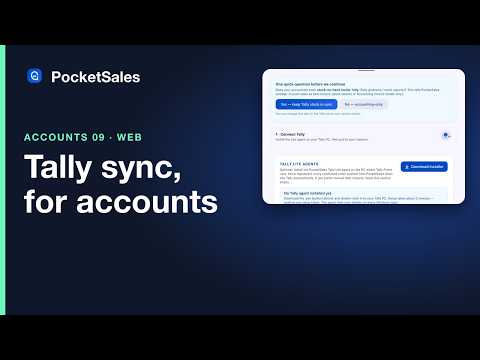
Tally sync for accounts
What syncs to Tally, what stays in PocketSales, and how pull-only works.
 1:00
1:0010
Accounts on the phone
The payments tab, recording on the go, and cheques due.
PocketSales worldwide: languages, currency and tax
PocketSales works in English, Hindi and Arabic, in your currency, with your tax rules — GST in India, VAT elsewhere.
Watch the whole playlist on YouTube → 1:00
1:0001
Choose your language
Switch the web dashboard and the phone app between English, Hindi and Arabic — the layout flips right-to-left for Arabic.
 1:20
1:2002
Your country, currency and tax
Set your country once: currency, tax mode and invoice fields follow. An order in India with GST split, and one in Egypt with VAT in a single line.
The phone videos, vertical.
The same lessons cut for your phone, full screen. Forward one to a new sales representative on WhatsApp.

Register your business

Add your first client
Add a product with a tax rate

Take your first order

Import your clients from Excel

Record a payment

Your phone, as the admin

Approve orders and track the team from your phone

Attendance and leave approvals on your phone

Clients and payments on your phone, as the admin
Log in and your dashboard

Take an order on your phone

Record a payment on your phone

Check in, visits and My Day

Attendance and leave

Working offline

Clients on your phone
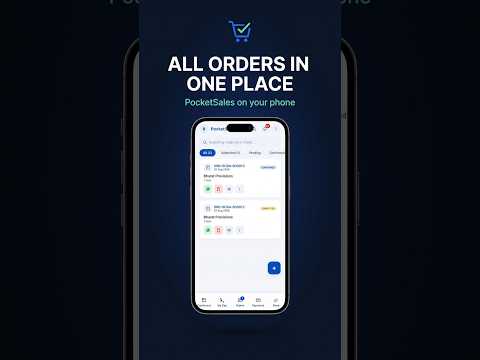
Your orders: status, repeat and resend

Targets and the leaderboard

Log a visit with a photo and notes

What each role sees on the phone

Accounts on the phone
Can't find what you need?
Tell us what you were trying to do and we'll record it next. That's genuinely how this list gets decided.